

Choose the core Product first
Picture quality, refrigerator fit, or laptop performance should work for you before connected extras enter the decision.
Samsung on Kaladid
Explore Samsung across displays, computing, connected living, and home appliances, then compare the exact specifications behind each Product profile on Kaladid.
Explore Samsung categories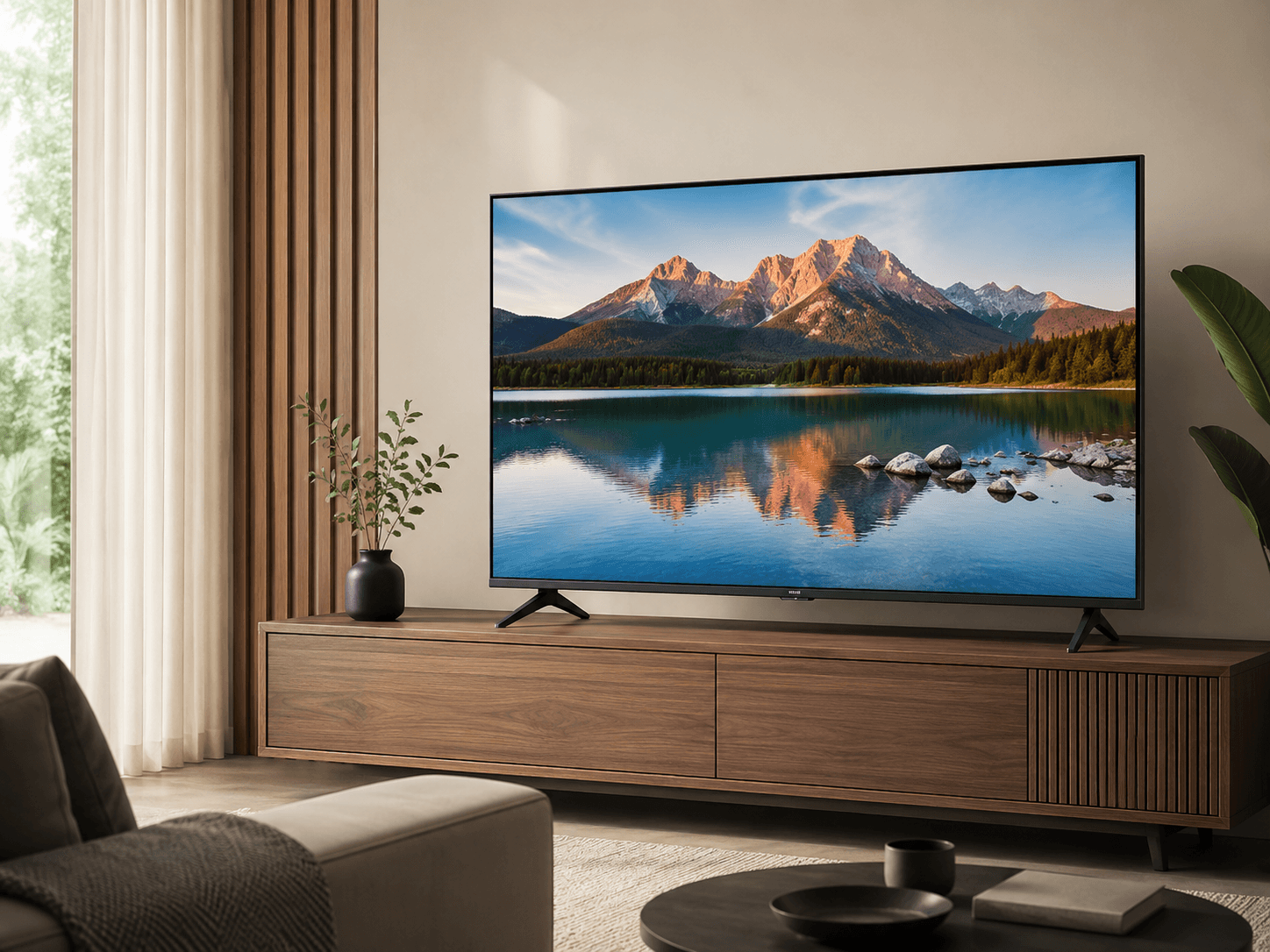
A wider technology view
Samsung Electronics works across consumer-electronics categories that include visual displays, computers, mobile devices, and home appliances.
Samsung also uses SmartThings across compatible connected devices. Kaladid treats connectivity as one consideration among fit, core specifications, and the routines a Product needs to support.
Explore Samsung categories
Compare display technology, screen size, refresh rate, and connection features.
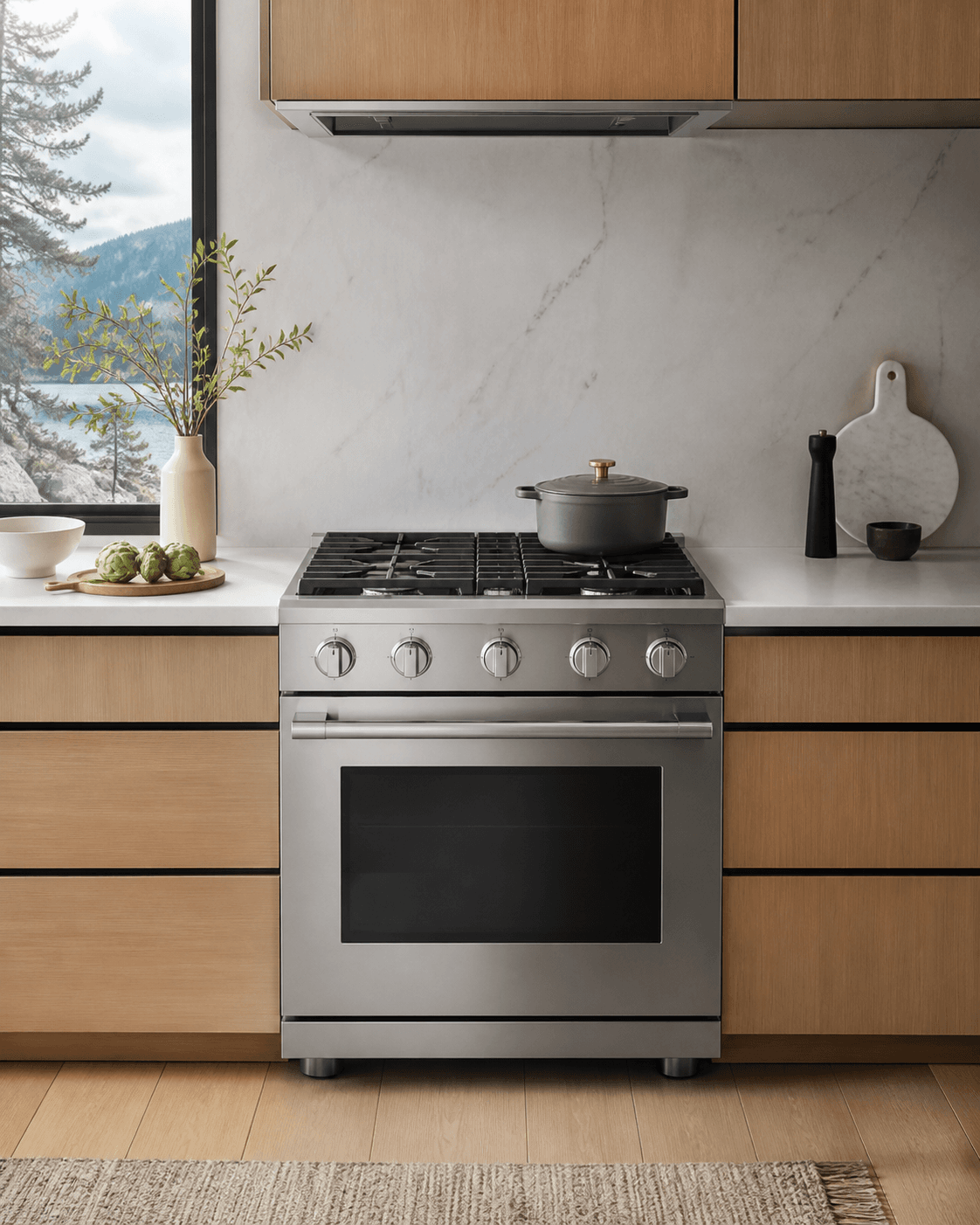
Compare current Samsung profiles by fit, capacity, depth, and configuration.
Samsung includes laundry in its Canadian appliance range, but Kaladid has no current Samsung laundry Product profiles.
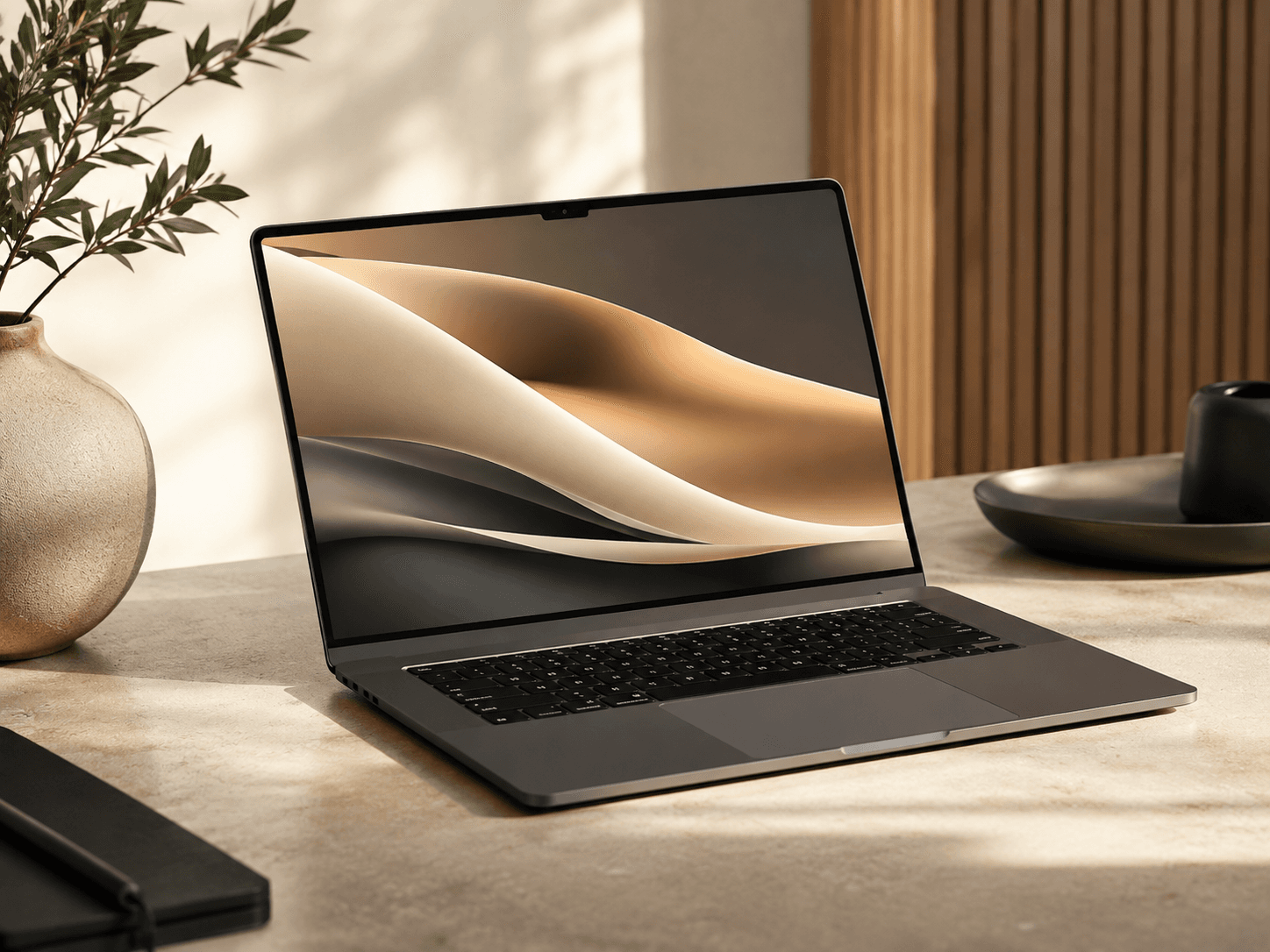
Review the current Samsung laptop profile alongside processor, memory, storage, and portability needs.
Use the current catalog for broader research; Samsung mobile-device profiles are not currently published on Kaladid.
Connected-living perspective
Connected features are most useful when they solve a clear task. Begin with the display, appliance, or computer itself, then check compatibility, account requirements, network needs, and the controls available on the exact model.
This is independent Kaladid guidance. Compatibility and connected functions must be verified for each exact Product; no Samsung relationship or endorsement is implied.
Display and entertainment
A premium display decision starts with viewing distance, ambient light, seating, source devices, and the content you watch most. Panel technology and refresh rate become useful only when connected to those conditions.
What to look for
Use these as prompts, then confirm every important capability against the exact model profile.
Picture quality, refrigerator fit, or laptop performance should work for you before connected extras enter the decision.
Connected features can vary by model, device, region, account, and software. Verify the precise requirements before relying on them.
Closely related Samsung names may identify different sizes or configurations. Use the complete manufacturer model number.
Screen distance, appliance clearances, door swing, and workspace portability often matter more than a long feature list.
Related Kaladid guides
Connect screen size and display technology to the room and viewing routine.
Read guideUnderstand three common display approaches in plain language.
Read guideWork through physical fit, configuration, and capacity.
Read guideTranslate common computer specifications into practical trade-offs.
Read guideCurrent Kaladid catalog
These links are current Samsung Product profiles in Kaladid’s catalog. Kaladid does not sell Samsung Products or represent a partnership with Samsung.
Explore all Products