

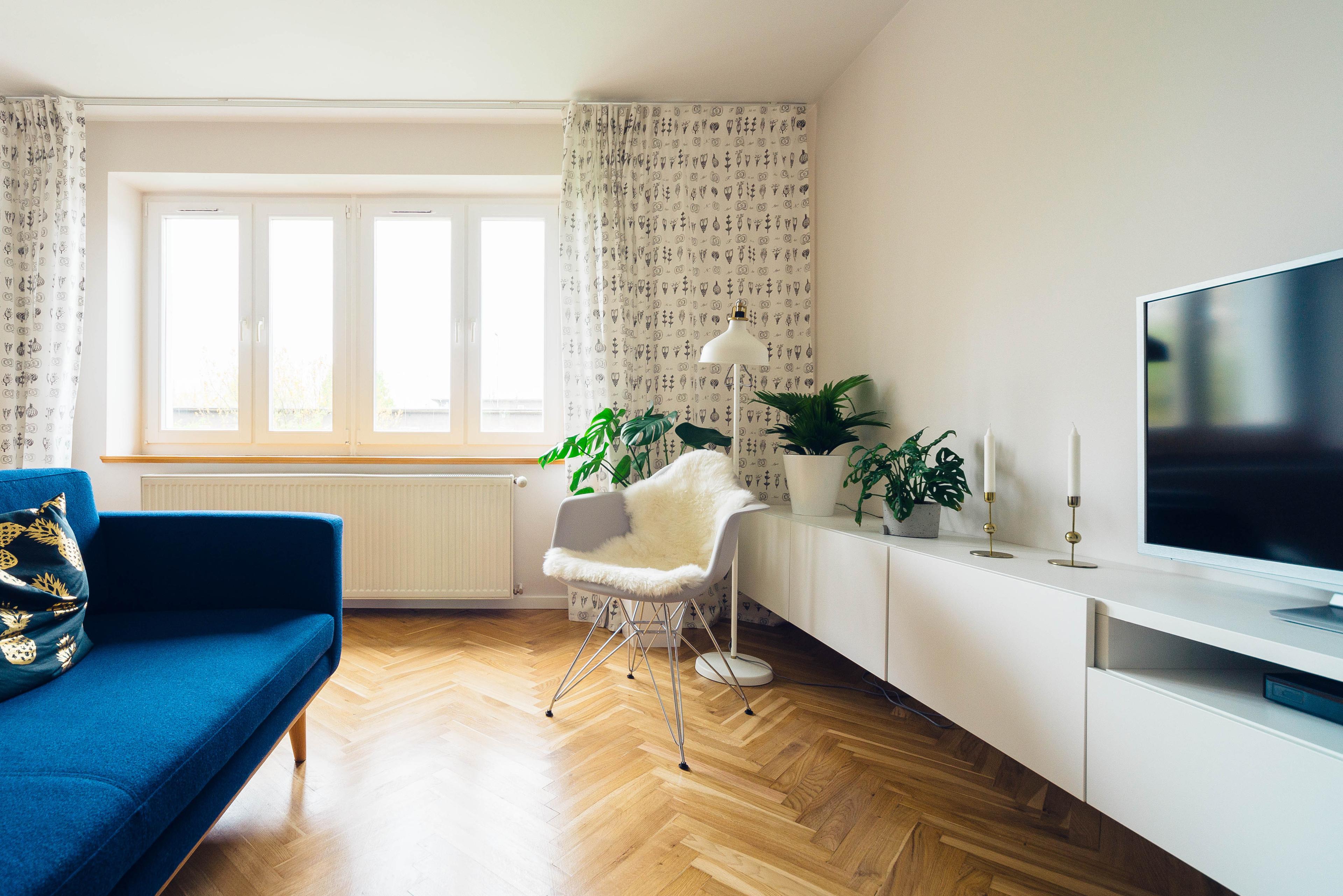
Choosing a television for a bright room involves more than looking for the highest brightness figure. Reflection control, sustained daytime output, panel behaviour, viewing position and useful connection features all shape how easily you can see and enjoy the picture. This guide focuses on the questions to ask rather than ranking particular models, prices or brands.
Start with the room, not the specification sheet
Begin by observing the room at the time you normally watch. Note whether sunlight or lamps face the screen, whether viewers sit off-axis, and whether the brightest areas of the room appear on the display as concentrated reflections. A television’s performance depends on the exact display and the room, so a coating label or a brightness number should not be treated as a complete answer. Whenever possible, assess the screen from the actual seating positions and avoid placing direct light opposite the display.
Reflection handling can matter as much as brightness
Every television reflects some light, and a brighter screen does not automatically eliminate mirror-like reflections. Glossy and matte finishes handle reflected light differently: matte surfaces can spread reflections and reduce their concentrated intensity, but they can also raise perceived black levels. Strong reflection handling and adequate SDR brightness therefore work together. If a window, lamp or bright wall is visible in the screen, changing the room layout can reduce distracting reflections; extra brightness alone does not remove them.
Prioritize sustained SDR brightness for daytime viewing
For SDR broadcasts and streams watched during the day, compare sustained SDR performance rather than a brief peak figure alone. Real-scene measurements and different window sizes describe different kinds of content, while sustained-window measurements show how brightness changes after a few seconds. For sports or other scenes with large bright areas, larger-window and sustained performance, together with real-scene results, are more informative than a small-window peak alone. Some televisions use ambient-light sensors, and protective automatic brightness limiting should not be disabled. There is no single brightness threshold that guarantees a good picture in every room.
Do not confuse HDR highlights with daytime brightness
HDR can make bright details stand out, but a brief highlight is not the same as output maintained across the whole screen. HDR measurements consider real scenes and highlights at different screen-area sizes, while daytime SDR brightness addresses a different viewing need. Evaluate both separately. Also be cautious when comparing figures produced with different test methods, picture modes or test-bench versions, since those results may not be directly comparable.
Understand the OLED and Mini LED trade-off
OLED pixels emit their own light and can switch off individually in dark regions. Mini LED televisions use an LCD panel with backlighting and local dimming; bright objects or subtitles can still produce halos, and the dimming algorithm and measured performance matter more than a zone count alone. OLED commonly offers strong off-axis consistency, while LCD viewing-angle performance varies and some models use filters. These are trade-offs rather than universal rules: compare the exact model and screen size, particularly if the room has wide seating or frequent direct light.
Choose connections according to how you use the TV
Modern connections can be useful, but their presence alone does not prove that every port supports the same capabilities. For gaming, variable refresh rate allows a compatible source to deliver frames as they are ready, reducing tearing and judder associated with mismatched frame timing. It is not an anti-glare feature, so check support on the particular television input and gaming source. For sound, eARC can send television audio to a compatible receiver or soundbar and supports higher-bandwidth audio formats than earlier ARC. Compatibility still depends on the television, source, app and audio system, so verify the exact port and supported formats.
A practical bright-room checklist
Before choosing, ask five questions: Where are the windows and lamps relative to the screen? Do you need strong sustained brightness for large daytime scenes such as sports? Will viewers watch from different angles? Are you comparing HDR highlight performance separately from SDR output? Which exact HDMI input must support gaming or audio equipment? A strong choice is the display that fits these conditions, not necessarily the one with the largest isolated number or the most prominent feature label.
Sources & how this guide was prepared
Sources: RTINGS — SDR peak brightness (https://www.rtings.com/tv/tests/picture-quality/sdr-peak-brightness), HDR peak brightness (https://www.rtings.com/tv/tests/picture-quality/hdr-peak-brightness), direct reflections (https://www.rtings.com/tv/tests/picture-quality/direct-reflections), and Mini LED vs OLED (https://www.rtings.com/tv/learn/mini-led-vs-oled); HDMI Licensing Administrator — VRR (https://www.hdmi.org/spec21sub/variablerefreshrate) and eARC (https://www.hdmi.org/spec21sub/enhancedaudioreturnchannel). Reviewed November 12, 2026. Photo: Jarek Ceborski / Unsplash, via Wikimedia Commons (CC0; originally published May 3, 2017). https://commons.wikimedia.org/wiki/File:Living_room_(Unsplash).jpg . The photograph illustrates a bright room with a television; it is not a test of any model or panel technology.